Articles & BlogBy Trapper W. Brown7 min read
Security+ SY0-701, Objective 2.2: Explain the common ways attackers get in and the surfaces they aim at
How does an attack start? Rarely with anything clever. It starts with a text message, a phone call, a file, an old server, or a password nobody changed.
Objective 2.2 is a long list of these ways in. The list is easier to hold if you learn two words first and then sort everything else into three piles: things sent to people, weaknesses in systems, and tricks played on trust. This article is about spotting and blocking each one.
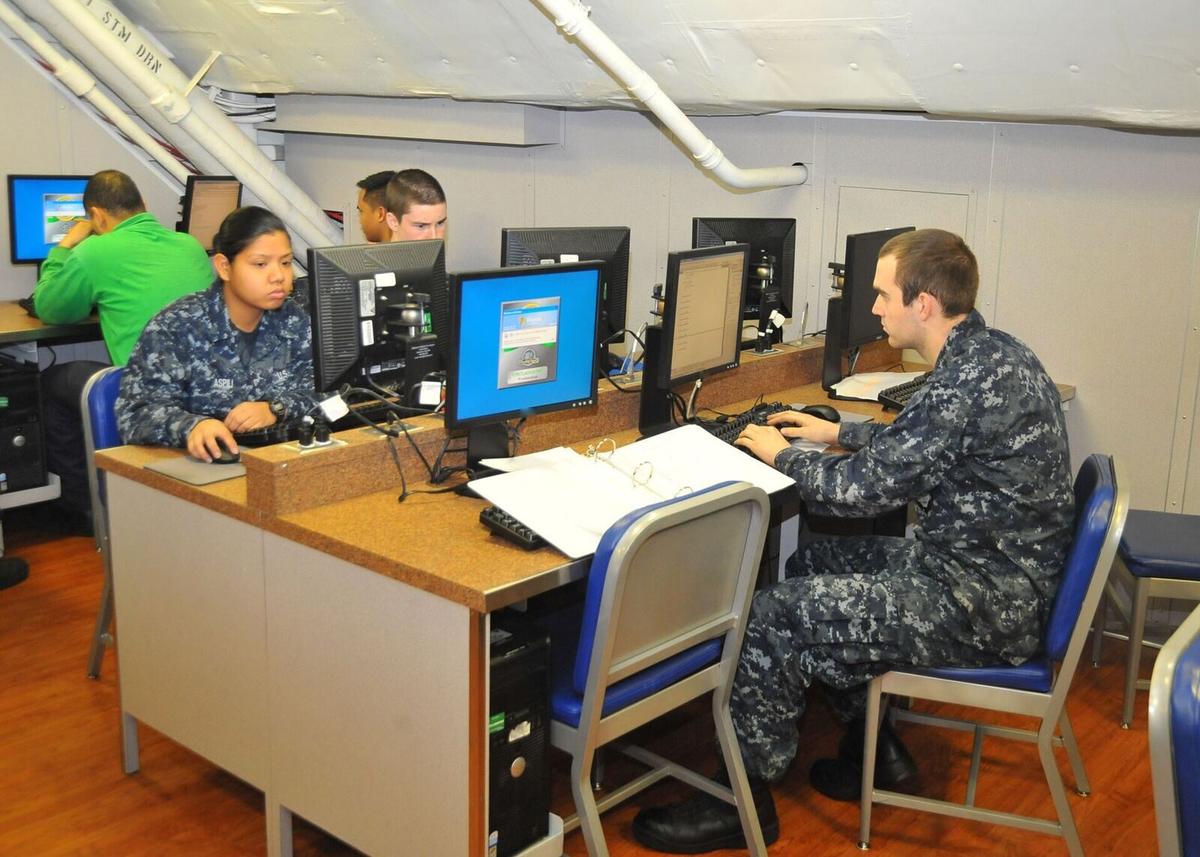 Checking email is routine, which is exactly why a message makes such a convenient way in. Photo by U.S. Navy, Mass Communication Specialist 2nd Class Adrian White, public domain, via Wikimedia Commons.
Vector and attack surface
A threat vector is the path an attacker uses to reach you. An attack surface is everything you have that a path could reach: every inbox, phone, laptop, open port, vendor connection and person. You cannot remove vectors from the world. You can shrink your surface so that fewer of them have anywhere to land.
A small clinic with 15 staff, 20 computers and one internet connection has a small surface. A hospital system with 30,000 staff, thousands of medical devices and hundreds of vendors has an enormous one. The vectors are the same for both.
Surface also grows quietly. Every new laptop, cloud account, vendor login and forgotten test server adds to it, which is why an accurate inventory comes before most other defenses.
Things sent to people
Message-based vectors arrive as email, SMS text or instant messages. The message carries a link, an attachment or a request. Email gets the most filtering. Text messages and chat apps usually get less, and people tend to trust them more.
Image-based vectors hide the harmful part in a picture. That may be a QR code that leads to a fake login page, or an image file built to carry a script. Filters that read text can miss both.
File-based vectors are documents, spreadsheets, PDFs or installers that run something when opened.
Voice calls work because a confident voice is persuasive and a call leaves little to inspect.
Removable devices such as USB drives carry files past every network defense you own, straight to a computer's port. A drive found in the parking lot belongs in the hands of IT and nowhere near a USB port.
| Vector | A warning sign | What stops it |
|---|---|---|
| Email, SMS, instant message | Urgency, an odd sender, a link you did not expect | Filtering, MFA, reporting anything odd |
| Image | A QR code or picture where plain text would do | Typing the site's address yourself |
| File | An attachment that asks you to enable something | Blocking risky file types, opening in a protected view |
| Voice call | A caller who needs it done right now | Hanging up and calling back on a number you already have |
| Removable device | A drive you did not buy | Disabling auto-run, restricting USB storage |
Weaknesses in systems
Vulnerable software is the plainest vector: a flaw in a program lets an outsider do something they should not. The exam adds a distinction here. Client-based software installs a program on every device, and each copy has to be patched or it becomes a way in. Agentless software installs nothing on the device. A central system reaches in over the network with stored credentials, so the risk moves to that central system and the credentials it holds.
Unsupported systems and applications are ones the maker no longer fixes. Every flaw found from now on stays open for good.
Unsecure networks come in three kinds on the exam. Wireless networks with weak or no encryption let anyone nearby listen or join. Wired networks are trusted too easily: an open wall jack in a waiting room is a way in. Bluetooth links devices over a short range, and a device left discoverable is offering a connection to strangers.
Open service ports are doors. Each listening port is a program accepting connections, and every one you do not need is surface for nothing.
Default credentials are the usernames and passwords a product ships with. They are printed in the manual, so they are not secret.
In Verizon's Data Breach Investigations Report, 2026 edition, exploiting a vulnerability was the first step in 31 percent of breaches and credential abuse in 13 percent. Both figures are shares of breaches with a known initial access vector, excluding errors and misuse, and not shares of all breaches.
Tip
Default credentials, open ports and unsupported systems all have the same kind of answer on the exam: change it, close it or replace it. If you cannot, isolate it.
The supply chain
You can be reached through companies you trust. The exam names three. A managed service provider (MSP) runs part of your IT and often holds administrator access to it. Vendors sell you software and hardware, and their updates run on your systems. Suppliers provide the parts and services your vendors depend on, one step further back.
The clinic's outside IT firm is an MSP. If an intruder gets into that firm, they hold the keys to every client at once. The same 2026 Verizon report found a third party involved in 48 percent of breaches. The defense is to ask what access each outside company has, cut it to what the work needs, require MFA on it and write security duties into the contract.
Tricks played on trust
Social engineering goes after the person and leaves the machine alone. The 2026 Verizon report found the human element present in 62 percent of breaches.
| Term | What it is |
|---|---|
| Phishing | A fraudulent email that pushes you to click, open or reply |
| Vishing | The same thing by voice call |
| Smishing | The same thing by SMS text |
| Impersonation | Pretending to be a specific person or role, such as the help desk |
| Pretexting | An invented story that makes the request sound reasonable |
| Business email compromise | A message from a real or look-alike work account asking for money or data |
| Brand impersonation | Copying a known company's name and look to borrow its trust |
| Typosquatting | A web address one slip of the finger away from the real one |
| Watering hole | Tampering with a site the targets already visit |
| Misinformation and disinformation | False information, spread by mistake or on purpose |
Notice how they stack. One message can use brand impersonation, a pretext and a typosquatted link at once. The warning signs repeat too: pressure to act now, a request to skip the normal process, and a channel you cannot verify.
Two of these need a closer look. A watering hole never contacts you at all. The trap sits on a site you already trust, so the defense is a patched browser and web filtering, since caution about messages will not help. Misinformation is false information passed along by people who believe it. Disinformation is false information planted on purpose. Either one can push staff toward a bad decision, such as trusting a fake outage notice, so check surprising claims against an official source.
The cost shows up in the FBI's numbers. The Internet Crime Complaint Center's annual reports show reported losses rising from $4.2 billion in 2020 to $20.877 billion in 2025. Those totals cover every kind of internet crime reported to the FBI, not only social engineering, and they count only losses that were reported.
| 2020 | $4.2B |
|---|---|
| 2021 | $6.9B |
| 2022 | $10.3B |
| 2023 | $12.5B |
| 2024 | $16.6B |
| 2025 | $20.88B |
Source: FBI Internet Crime Complaint Center annual reports, 2020 to 2025
I think the best single defense against the human vectors is a second channel. If an email asks for a payment change, call the person on a number you already had. If a caller says they are from IT, hang up and call the help desk yourself.
Watch out
Do not treat phishing as an email-only problem. Vishing and smishing are the same trick on a different channel, and a question that mentions a phone call or a text is testing whether you know the right name.
What to remember
- A vector is the path in. The attack surface is everything a path could reach.
- Messages, images, files, calls and USB drives all deliver the same thing: a request to trust.
- Close unused ports, change default credentials and replace what is no longer supported.
- Client-based software must be patched on every device. Agentless tools concentrate risk in one console.
- Outside companies with access to your systems are part of your attack surface.
- Verify through a second channel before you act on any urgent request.
You will not memorize your way past every new scam. What you can do is slow down when something asks you to hurry, and make that pause a rule for everyone you work with.